
Focus, one tomato at a time.
Timeato is a pomodoro timer for your Mac menu bar. The app has no window, no account, and no tracking.
For macOS 27 or later.
Support
Where is the Timeato window?
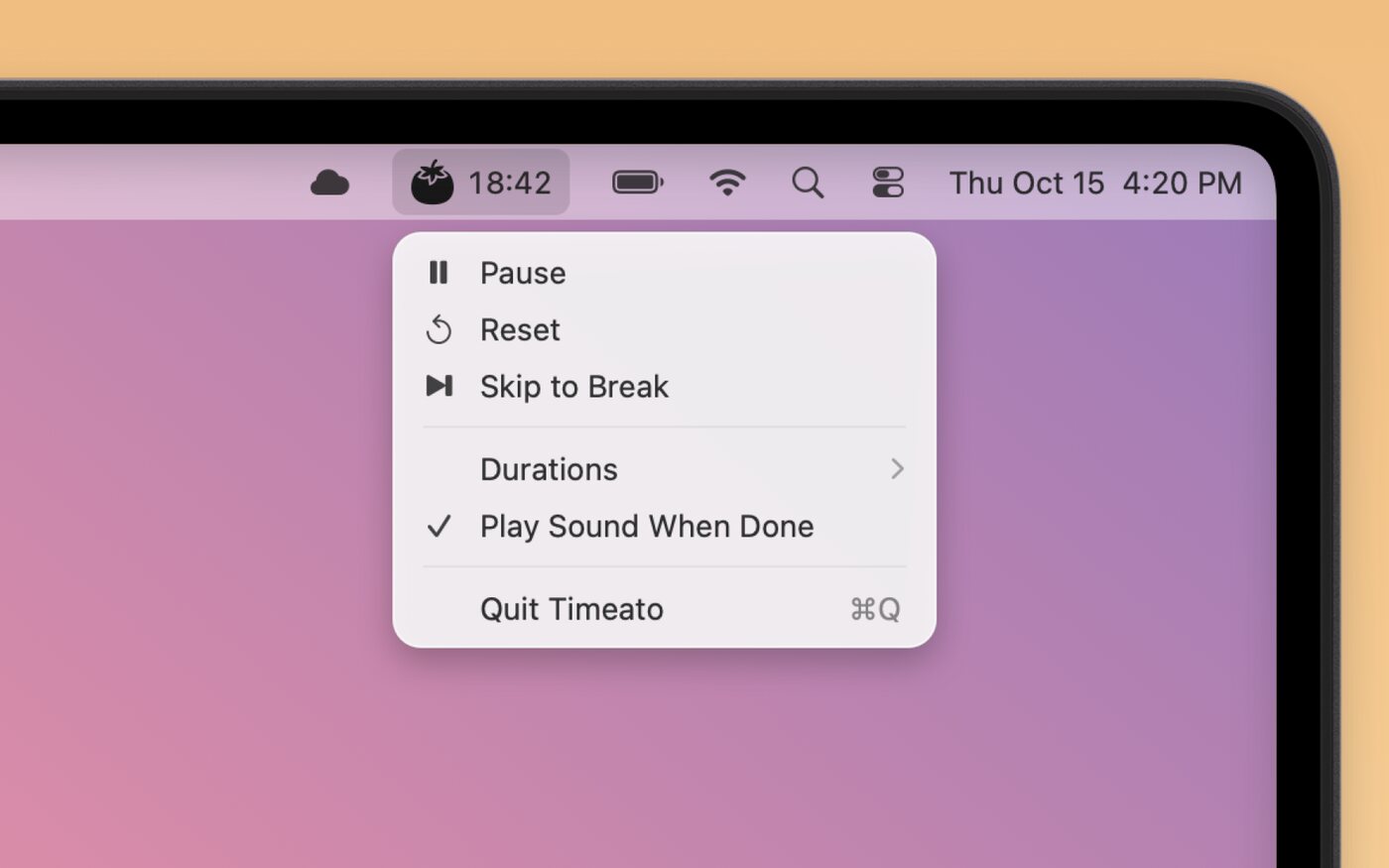
Timeato has no window. A tomato and a time show in the menu bar at the top of your screen. Click the tomato to open the menu. There you can start, pause, reset, or skip, and change the work and break times.
I do not get notifications.
Open System Settings > Notifications > Timeato, and make sure that Allow notifications is on. Also make sure that a Focus does not hide them.
How do I start Timeato when I log in?
Open System Settings > General > Login Items & Extensions. Under Open at Login, click + and select Timeato.
Do you need more help? Open a GitHub issue.